
DaVinci Resolve 21 tutorial: what is OGraf? Online templates, how to use Lottie, and how it differs from Fusion
Hi, I am KernelKun. DaVinci Resolve 21 natively supports OGraf HTML graphics and Lottie animation. OGraf suits titles and cards with editable text and live data; Lottie suits animation assets from the web; complex effects and transitions still lean on Fusion. Below is how to use them, based on the public class, with a comparison table and an FAQ. The screenshots show the Chinese interface.
Video tutorial
What you will see
- What OGraf is, and how to choose between OGraf, Fusion and Lottie
- How to refresh online data, such as a Bilibili UID or a weather card
- How LmBox Bridge "Motion graphics" manages templates
- How Blueprint lab generates OGraf from one sentence
What is OGraf, and what role does it play among the new features in DaVinci Resolve 21
OGraf is a kind of HTML graphics template that DaVinci Resolve 21 supports. You drop it on the timeline like a template and change its parameters in the Inspector. Some templates can also pull data from the network (such as a Bilibili UID or the weather). Officially it is described as "native support for OGraf HTML graphics and Lottie animation". It lowers the cost of changing parameters for titles, cards and info bars; it is not the whole Fusion effects workflow.
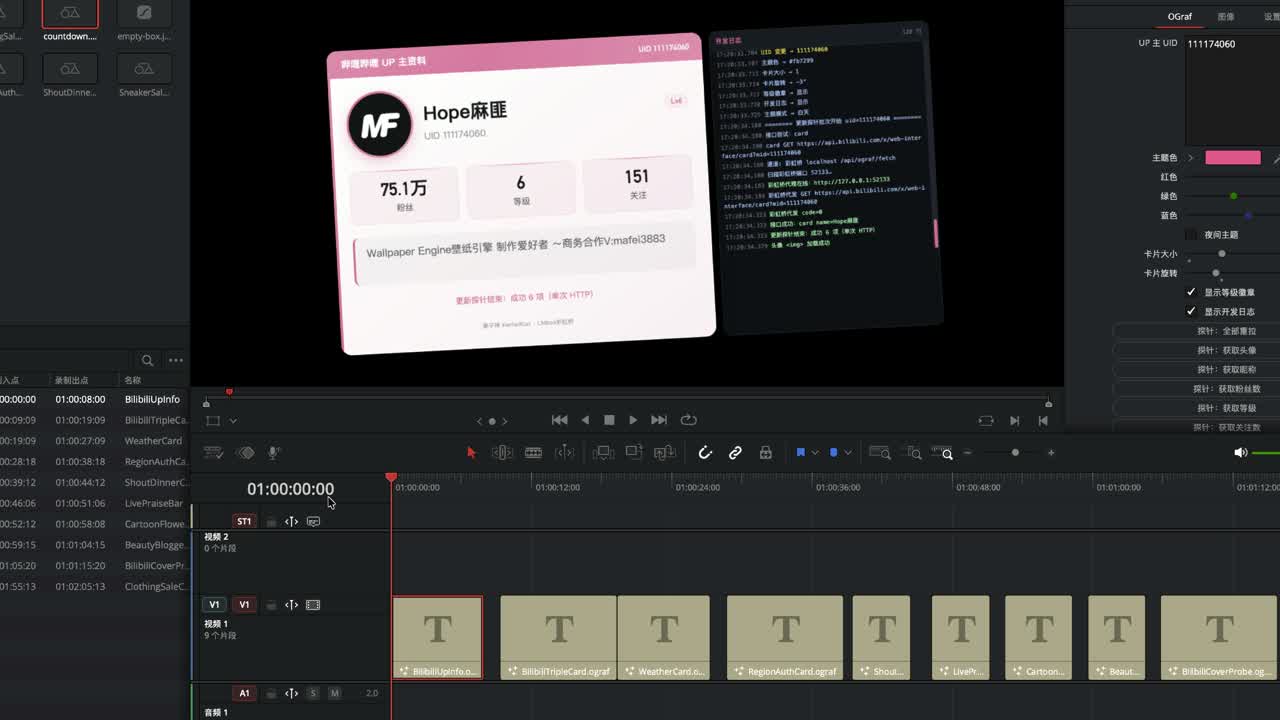
On the timeline it looks much like a Fusion template. The difference: after you fill in a UID and refresh, the avatar, name and follower count change with the network data — it is not hard-coded fake data.
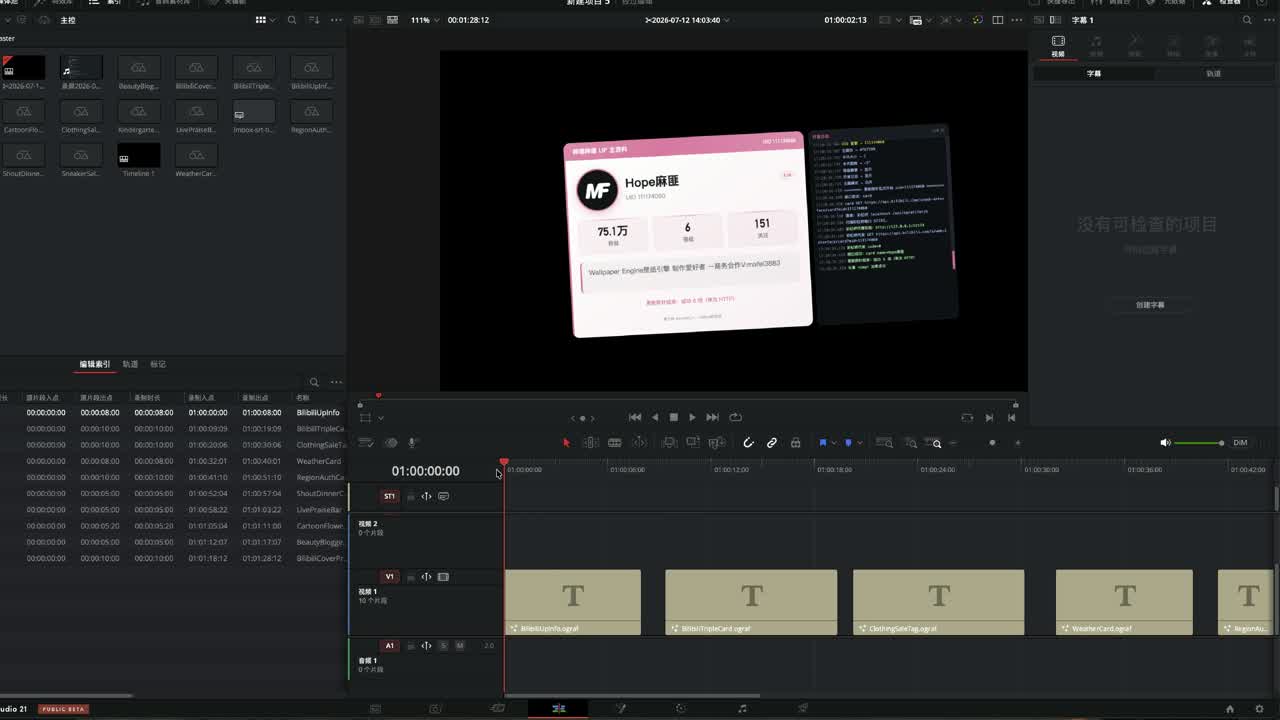
Figure: Enter a UID and refresh, and the card content updates with the network data.
There are also "like-coin-favorite" style cards: change the UID to switch to another creator.
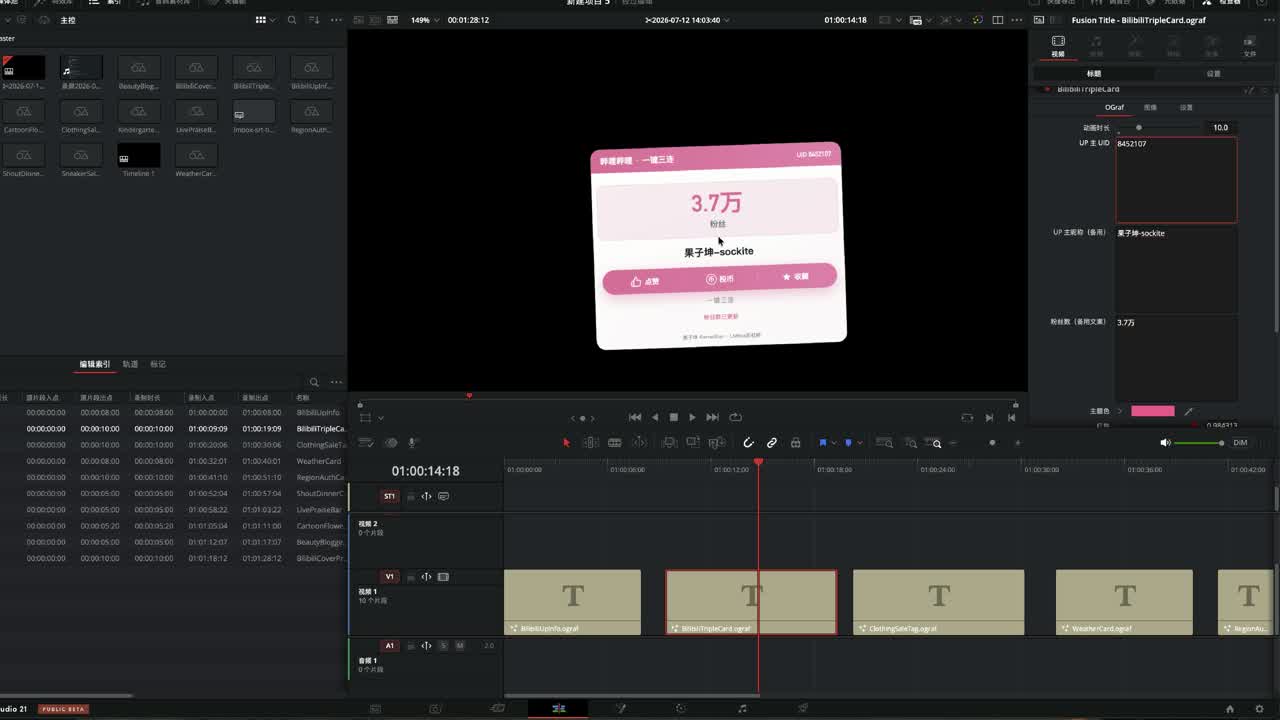
How is OGraf different from Fusion templates, and how do I choose between OGraf and Lottie
In one line: OGraf/Lottie are graphics/animation assets you can drag in and use; Fusion is a node-based environment for compositing and effects. For titles, name bars and online info cards, look at OGraf first. For complex keying, particles, transitions and deep compositing, look at Fusion. Lottie has plenty of animation assets, but text is often rasterized, so changing it is usually hard.
| OGraf | Lottie | Fusion template / comp | |
|---|---|---|---|
| Role | HTML graphics template, change parameters in the Inspector | Animation asset (JSON / lot and so on) | Node-based compositing and effects |
| Changing text | Usually friendly | Often hard (rasterized) | Depends on the design; steeper learning curve |
| Online fields | Suited to it (use LmBox Bridge as the proxy when needed) | Generally no business fields | Can be built yourself, high bar |
| Typical use | Titles, cards, timetables, promo bars | Icon motion, decorative animation | Effects, transitions, complex motion graphics |
| Who feels the impact | Text-oriented templates, some generators | Some decorative needs | Still the main effects tool |
How to use OGraf online templates in DaVinci Resolve 21 (UID / weather)
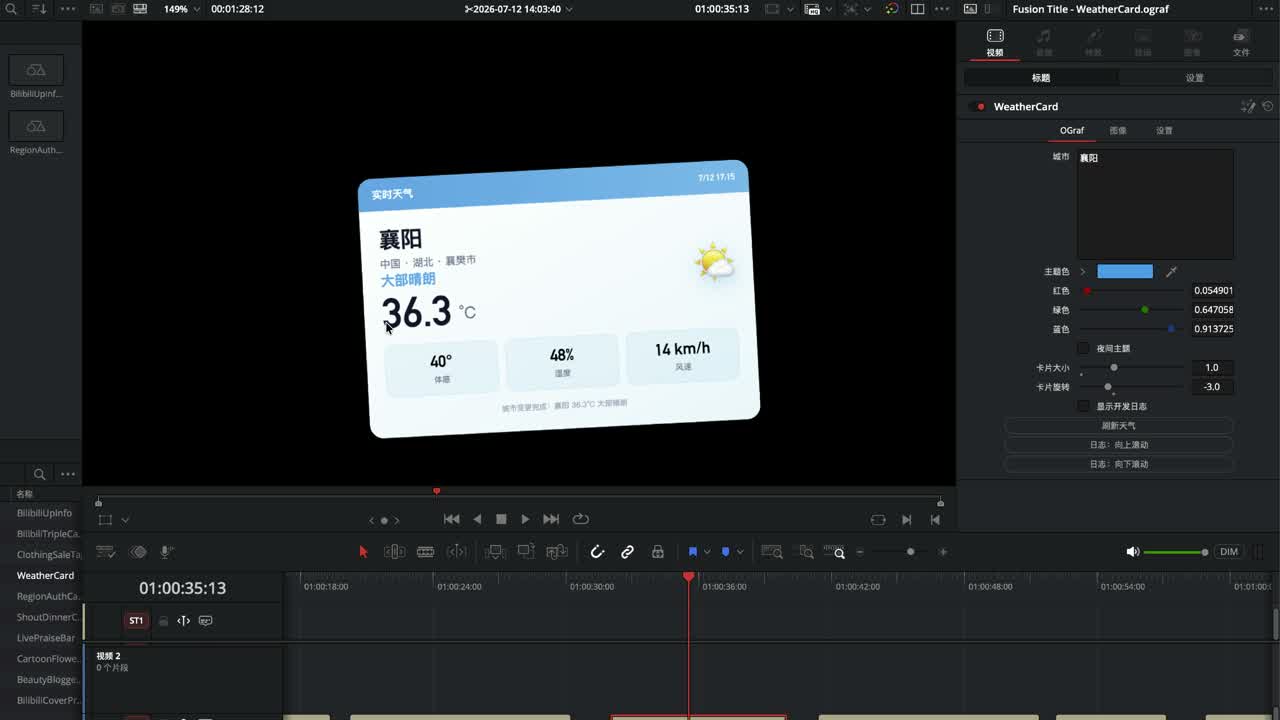
Steps: drop it on the timeline → fill in the Inspector → refresh; for a weather card, drag the playhead if needed. Fields such as follower counts come from a network request. Change the weather card to a city such as "Beijing" and it pulls live conditions once the city matches. If the picture does not change, dragging the playhead often triggers a refresh.
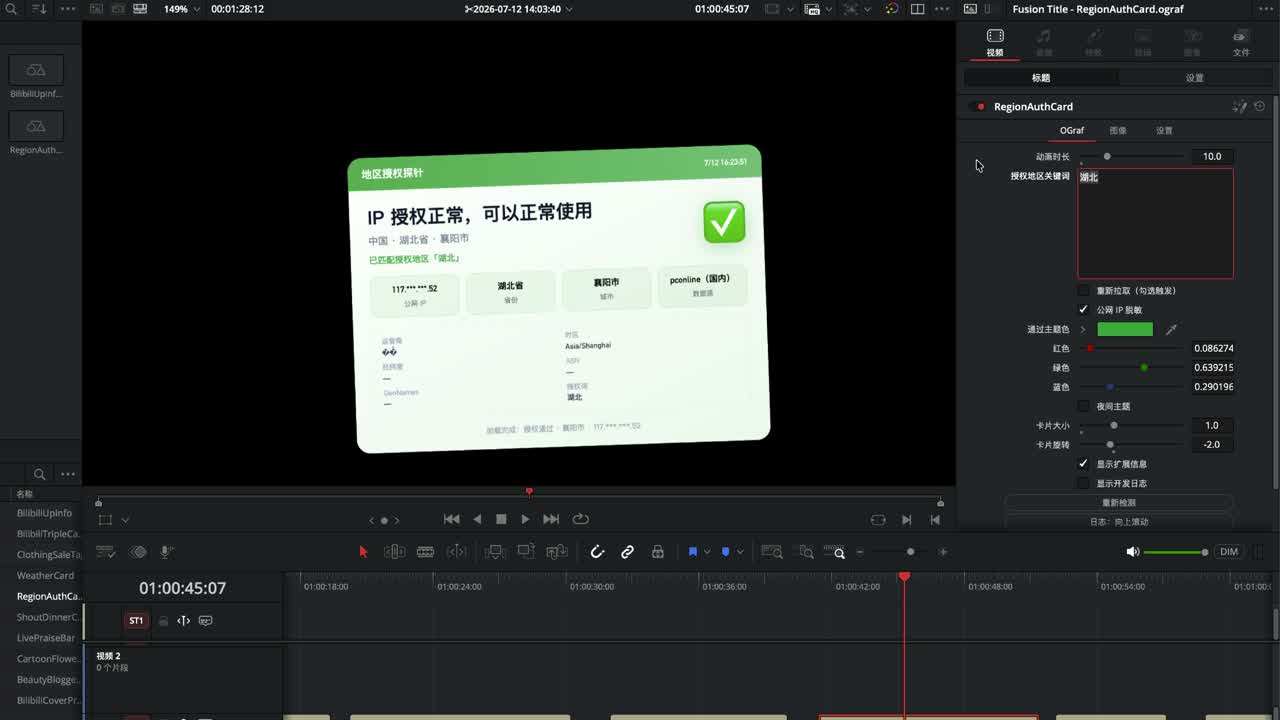
Going further, you can use location to make a "usable here / blocked there" authorization demo (make sure your campaign material is compliant).
How to import Lottie in DaVinci Resolve 21, and how LmBox Bridge Motion graphics manages templates
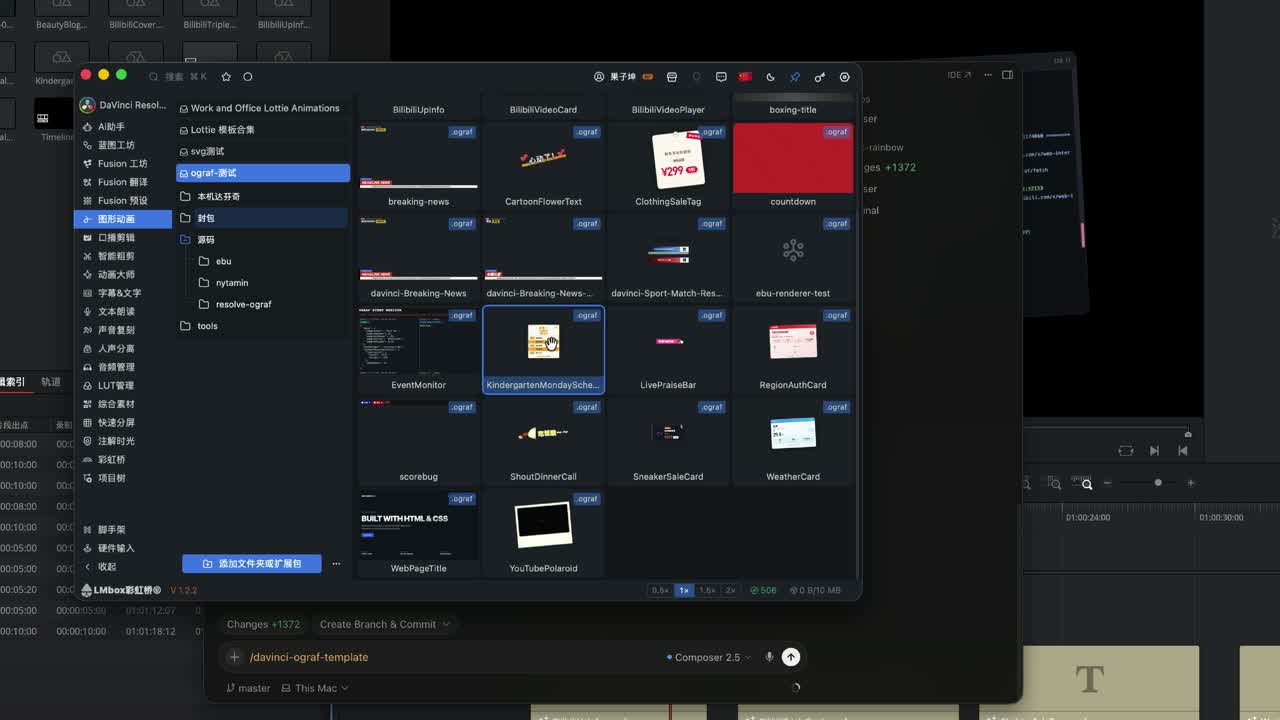
Open "Motion graphics" in LmBox Bridge to manage OGraf and Lottie together: preview, edit parameters (including colors), then import into DaVinci Resolve. Before importing, switch the target at the top to the DaVinci Resolve LmBox Bridge connection and keep it connected. Lottie usually comes as JSON or lot. If you need to change a lot of text or online fields, use OGraf rather than forcing Lottie text.
For the screen areas, right-click menu and edit drawer step by step, see the main Lab guide: Motion graphics (OGraf / Lottie).
How does Blueprint lab generate OGraf from one sentence
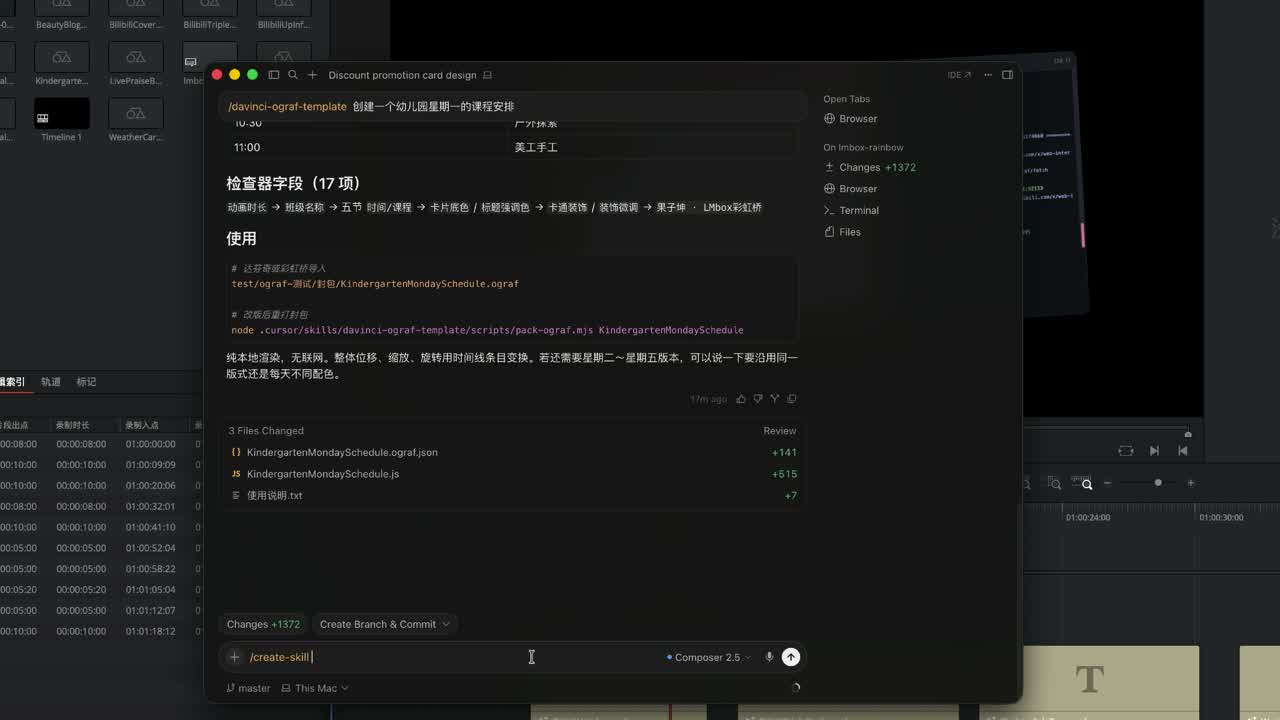
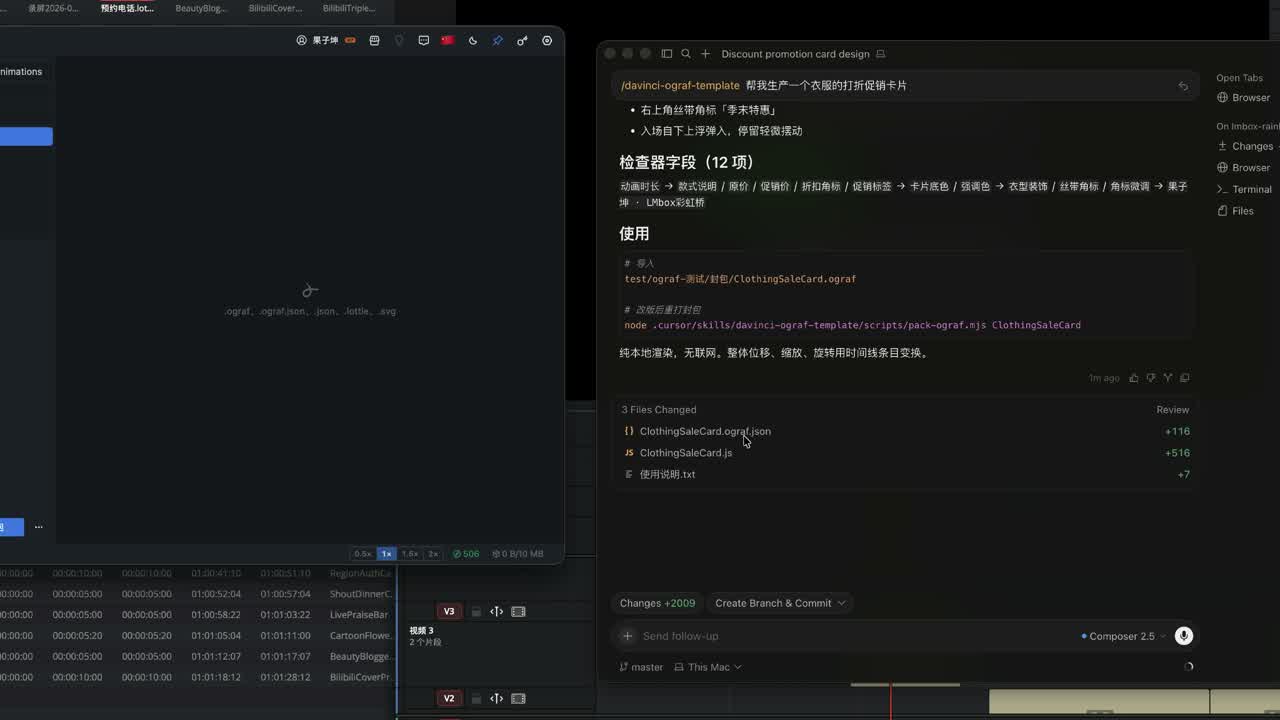
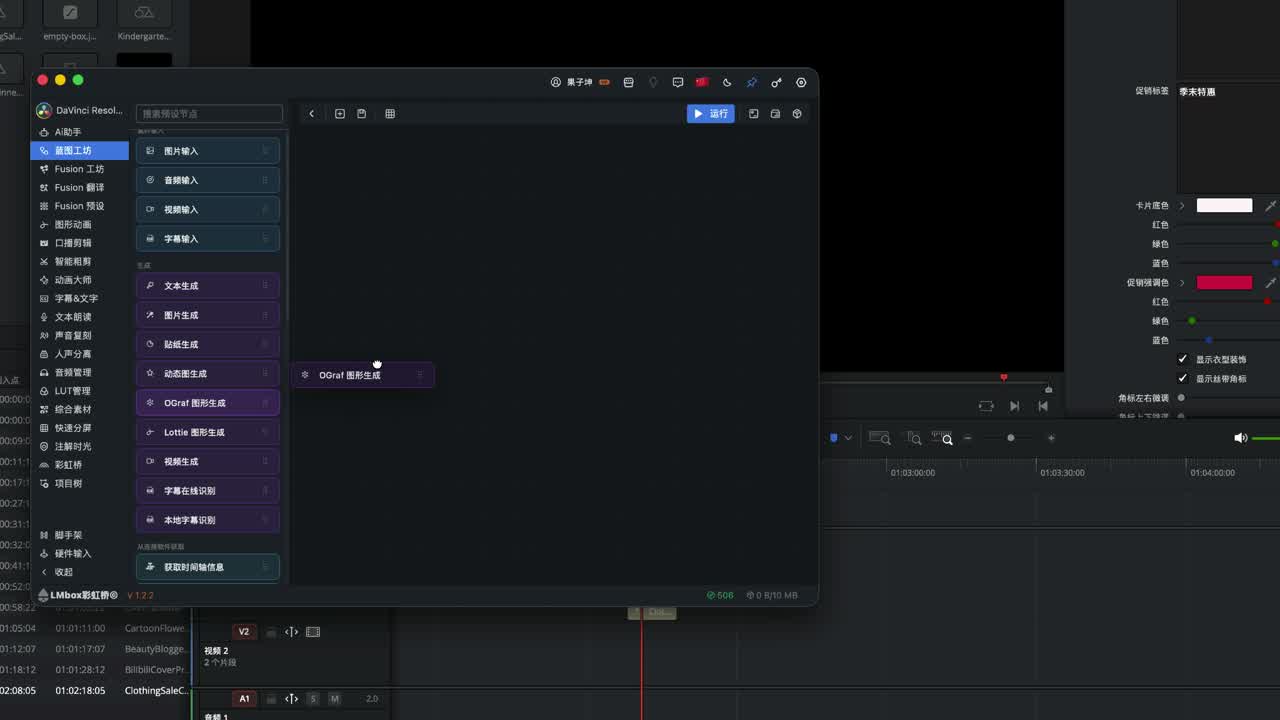
Connect "OGraf graphic generation" to "Import OGraf graphic", pick a model from the keychain, write a plain-language description and run it. It generates and imports without hand-written code, and without piling up nodes in Fusion. You can also distill the official documents into a Skill, ask an external AI tool for a timetable or promo card in one sentence, and then drag it onto the timeline.
For a picture of the node wiring, see the main Lab guide: Motion graphics · Make OGraf from one sentence with Blueprint lab.
If an SVG icon sometimes looks poor, swap in a ready-made SVG from the web. Early Inspector versions may not have a font control yet; that is a detail still evolving.
Who is OGraf for, and can it replace Fusion effects
It suits editors making titles, cards, timetables, promo info and some generator-style content. It cannot replace complex effects and transitions. If you are just learning Fusion you can be excited, but treat OGraf as an accelerator, not a reason to stop learning Fusion.
Limits
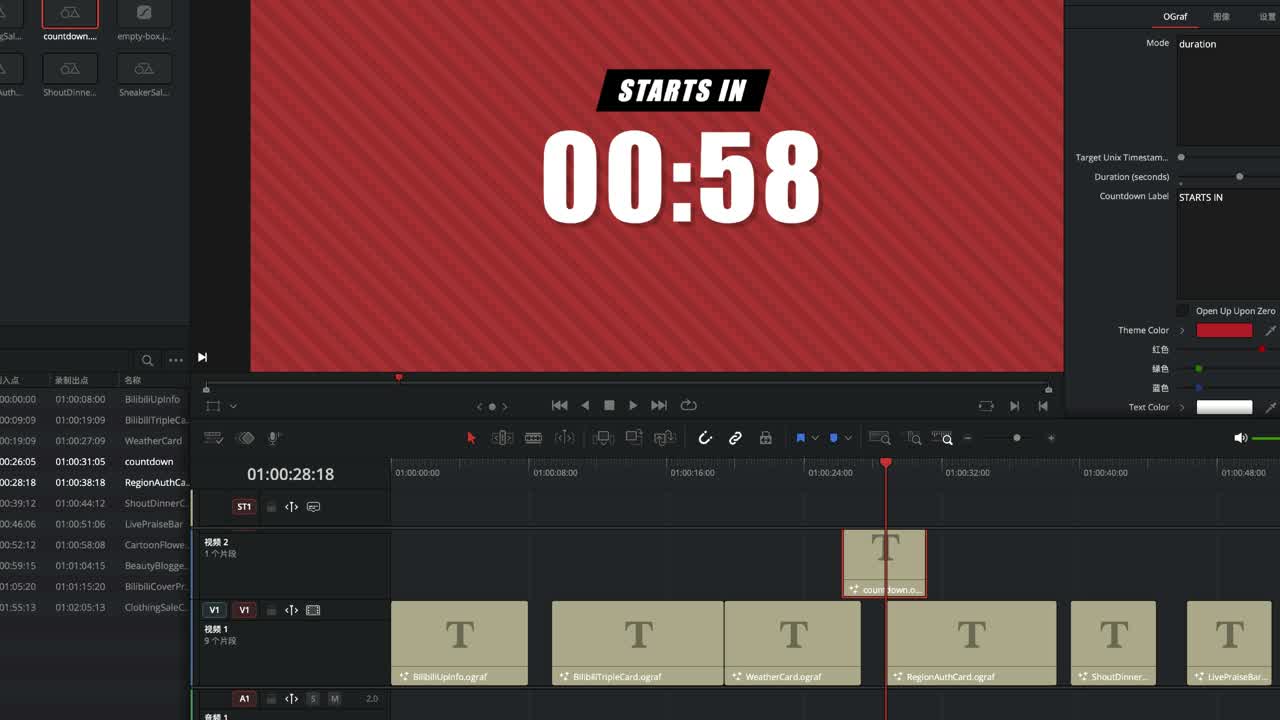
- Bigger impact: text-heavy templates and some generators (titles, countdown backgrounds and so on).
- Hard to replace for now: complex effects and transitions.
- Probing a site such as Bilibili too often may get blocked.
- Online refresh often relies on the LmBox Bridge proxy: after you close the app, cached results may still work, but changing a parameter and refreshing again fails or times out.
Finished templates can also go through translation and workshop upload for sharing (OGraf usually needs to be packed before upload).
FAQ
Q: What is OGraf?
A: An HTML graphics template format supported by DaVinci Resolve 21. It goes on the timeline, you change parameters in the Inspector, and some templates can pull data online.
Q: How is OGraf different from Fusion templates?
A: OGraf is for editable-text graphics and online cards; Fusion is for node compositing and effects. They complement each other and do not replace one another across the board.
Q: How do I choose between OGraf and Lottie?
A: Pick OGraf if you want to change text or use online fields. Pick Lottie for ready-made decorative animation (text is often hard to change).
Q: How do I import Lottie in DaVinci Resolve 21?
A: You can use it directly from the media pool/timeline, or manage it in LmBox Bridge "Motion graphics" and then import, keeping the DaVinci Resolve LmBox Bridge connection on. The screen steps are in the Motion graphics Lab guide.
Q: How does Blueprint lab generate OGraf from one sentence?
A: Connect "OGraf graphic generation" and "Import OGraf graphic", pick a model from the keychain, write a description and run it.
Q: Can OGraf replace Fusion effects? What are the limits?
A: Do not expect it to replace complex effects and transitions. Online ability is also limited by the proxy and by platforms blocking requests.
Further reading
- Motion graphics (OGraf / Lottie) — library management, right-click, edit drawer and import into DaVinci Resolve
- Blueprint lab (main Lab guide) — the node workflow overview and starter examples
- Lab features overview · Blueprint lab
- Fusion Presets
- Name Translate
- LmBox Bridge Core
- Split view guide · Blog: Split view
- Shot scout guide · Blog: Shot scout
- Install the desktop app
— KernelKun